
“TURN DOWN THAT NOISE!” shouted parents at children listening to what they claim is music. Hearing a 60Hz hum as you play back a recent recording. A noticeably audible whine emanating from an unfiltered analog delay. All of these are common examples of how noise is typically regarded. Noise is something to be avoided, dampened, or filtered. In audio synthesis, even the most terrible noise can be creatively used.
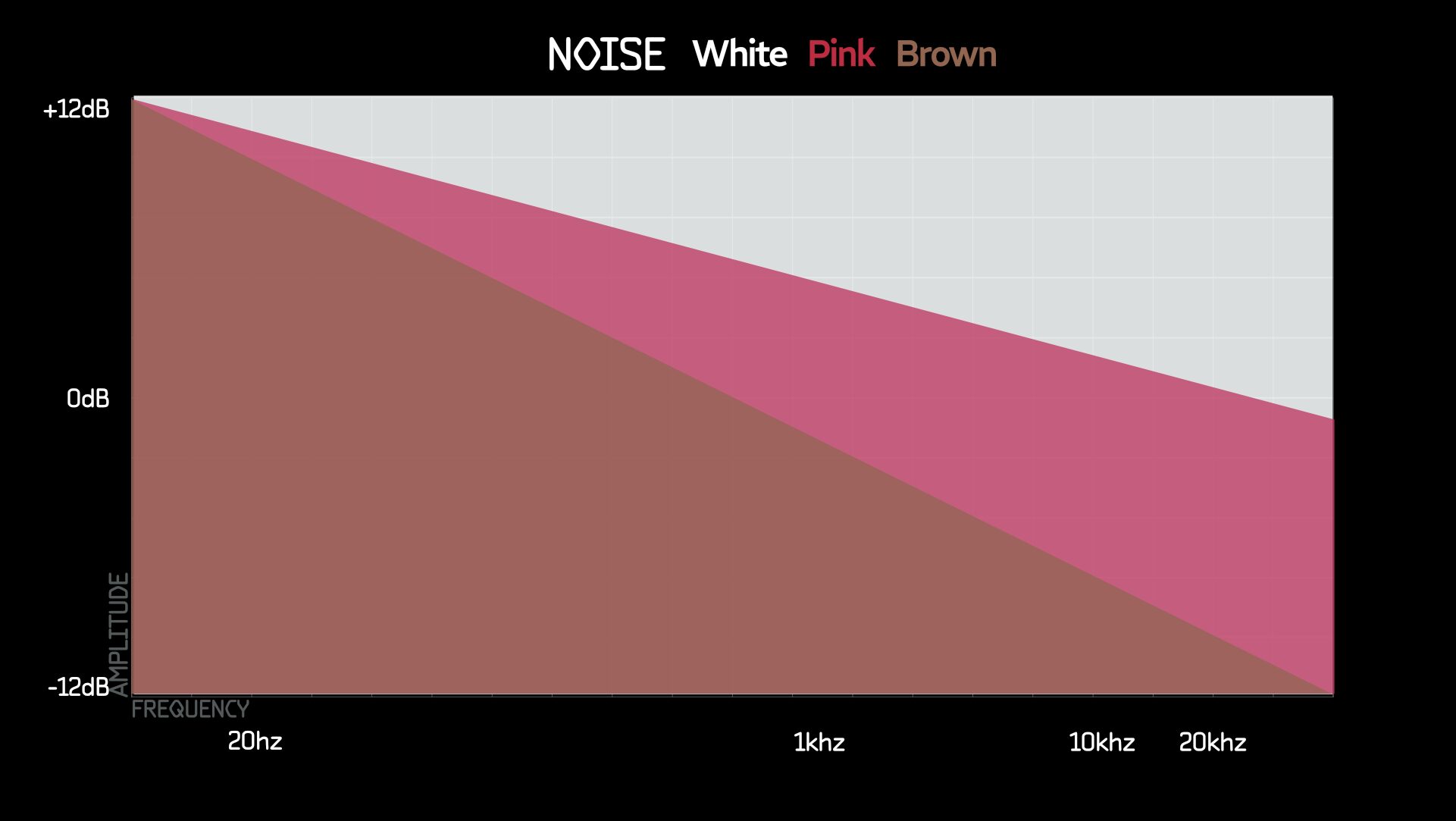
There are various types of noise characterized by their spectral properties and how their power is distributed across different frequencies. It is believed that using colors to name noise started with white because it contains all frequencies of the audio spectrum, similar to how the color white contains all colors of the light spectrum. Each “color” of noise has a distinct frequency distribution and sound texture, which makes them useful for different applications in audio engineering, music production, and synthesis.
White noise: Equal energy across all frequencies (0 dB/oct).
Pink noise: Power decreases by 3 dB/oct, emphasizing lower frequencies.
Red noise: Power decreases by 6 dB/oct, also known as Brownian noise, emphasizing even lower frequencies.
Blue noise: Power increases by 3 dB/oct, emphasizing higher frequencies.
Purple noise: Power increases by 6 dB/oct, emphasizing even higher frequencies.
Grey noise: White noise filtered to sound equally loud across all frequencies, considering human hearing.
Black noise: Represents silence or the absence of noise.
The two charts below show a representation of how each color might look when viewed on a linear frequency analyzer (commonly found in software equalizers).

Noise is a powerful tool in sound design, offering a broad palette of textures and effects. In synthesis, noise can be used to create everything from percussive elements and wind effects to complex, evolving soundscapes. By modulating and filtering noise, sound designers can simulate natural sounds, add depth to musical compositions, and generate unique timbres. Noise serves as the raw material for creating lifelike environments, gritty textures, and experimental audio effects. Understanding the different colors of noise allows for more precise control and creativity in your sound design endeavors.
In the following patches, I’m primarily using white noise, but feel free to experiment with all the colors of noise.
Patches
Stepped random CV with sample and hold
Probably the single most common use of white noise is creating stepped random CV using a sample and hold. The concept is pretty easy to grasp; since white noise is composed of all frequencies, when you send a gate to trigger a sample of those frequencies inside the sample and hold, just about any frequency can be selected. It’s really a roll of the dice.

Simulating vinyl crackle
Getting a grainy sound from noise to simulate vinyl crackle is pretty easy. Try this with both white and pink noise to see which you like better. You will need a slew limiter with rise and fall parameter control.

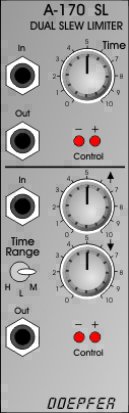
Doepfer A-170
Dual slew limiter in 8HP. One side sets rise and fall together, the other splits them and doubles as a simple AR envelope.
Perfect Circuit Signal Sounds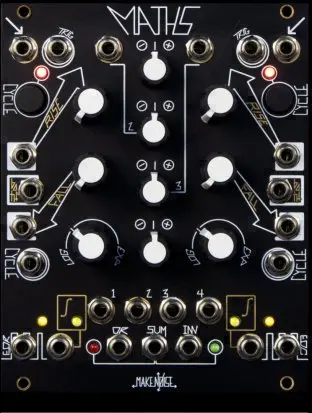
Make Noise Maths
Analog computer in 20HP that generates functions, slews, envelopes, and LFOs from 25 minutes to 1kHz, and mixes up to 4 signals.
Perfect Circuit Signal Sounds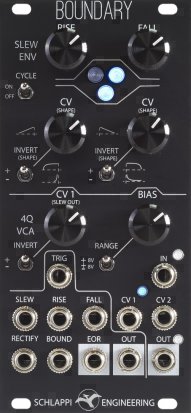
Schlappi Engineering Boundary
Cycling slew plus a four-quadrant VCA in 12HP. Use the slew as an envelope or LFO and the multiplier for modulation and signal control.
Perfect Circuit Signal SoundsGeiger counter sound
This is not too different from the previous grainy noise patch but offers different sounds and a few more options. You can control the density of the clicks with the attenuator and the intensity with the speed of the square wave.

Clicks & pops
With this patch, you have a lot of control to create many different sounding clicks and pops. The patch is similar to the random stepped CV patch above, but instead of using the output as CV, you are going to use it as audio. Use a sequencer, clock, or any gate source for the sample and hold trigger. Sending the sample and hold output to a high-pass filter (HPF) cuts off the DC and transforms the stepped CV into only a spike, which is very audible. The rest of the patch is just shaping the timbre of that spike with the HPF cutoff and resonance.

As a bonus, if you increase the resonance to just below self-oscillation, you’ll start to ping the filter and get longer pitched notes.
Quick hi-hats
This patch is ridiculously simple and a very effective way of creating hi-hats. Blue noise into a VCA controlled by an envelope. Trigger with your choice of gate source. Done!

Quick snare
Similar to the quick hi-hats patch above, this patch has even less to it but sounds and works great. White noise to an LPG activated by your choice of gate source.

A little tip: try using the Clicks & Pops patch from above to trigger the LPG here. The output from the clicks and pops will output random variable amplitude triggers, which should change the dynamics of the LPG.
PWM snare
This is another simple but less common way to create snare sounds. It leverages modulating PWM with a noise source at audio rates. Try adjusting attenuation on the PWM CV and the pitch of the square wave. The results are really unique and often kind of glitchy.

Noise to CV inputs
This patch is straightforward but has a significant effect on the sounds you create. A similar patch would be to send your sound to a mixer and mix in some noise to taste. The difference is that instead of mixing in noise, noise is used as an audio rate modulator, just like the PWM snare patch above.

Simulating ocean waves
Recreating sounds found in nature is always really fun. There is nothing wrong with nature sounds that seem alien or artificial, but occasionally you can get so close that it is practically indistinguishable from the real thing. The trick in getting wind or waves right is making sure your modulation produces the right shapes, but also that the modulation sounds random enough to not be detected as a loop by our ears.
If you are lucky enough to be within earshot of the ocean or sea, like I am now, you can begin to listen to and analyze the sound of waves. To my ear, they sound almost like they look. The shape of the wave is not too different from the shape of the modulation we want to make. Also, as a wave crashes, the lower frequencies are reduced between each wave until the next one crescendos.

Now, we need this wave to repeat, forever, but also, never really be the same amplitude or distance from the previous cycle. That would end up looking something like this:

Before we create the full patch, if you want to go for some extra added realism, we can create some overlapping waves. By multing the noise source and sending it to a second HPF modulated by a second cycling envelope and using the same random sources but mixed up a bit, some serious depth will be added.

Finally, it is time to patch this one up. For the sake of making this chart a little more simple, I am not going to double it and mix the results. One might actually be enough for your purposes, but if you want overlapping waves, just make two of these.

To create this, it would be best to have two independent random sources, each with at least three different types of modulation outputs. I know that seems like a lot, but I seriously recommend investing in some great random sources. Here are a few that will work standalone or combined with each other
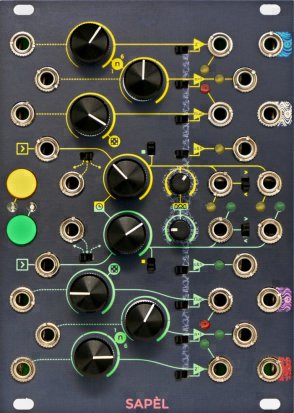
Frap Tools Sapel Tamed Random
Blue, white, pink, and red noise plus two random sources, each with four CV paths including semitone-quantized voltages. 18HP.
Perfect Circuit Signal Sounds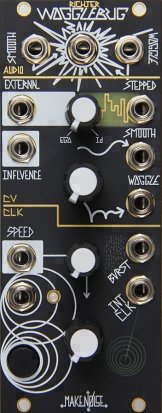
Make Noise WoggleBug Random Voltage Generator
Self-contained random voltage system in 10HP. Two VCOs, clock, burst generator, and sample and hold make seven random signals at once.
Perfect Circuit Signal Sounds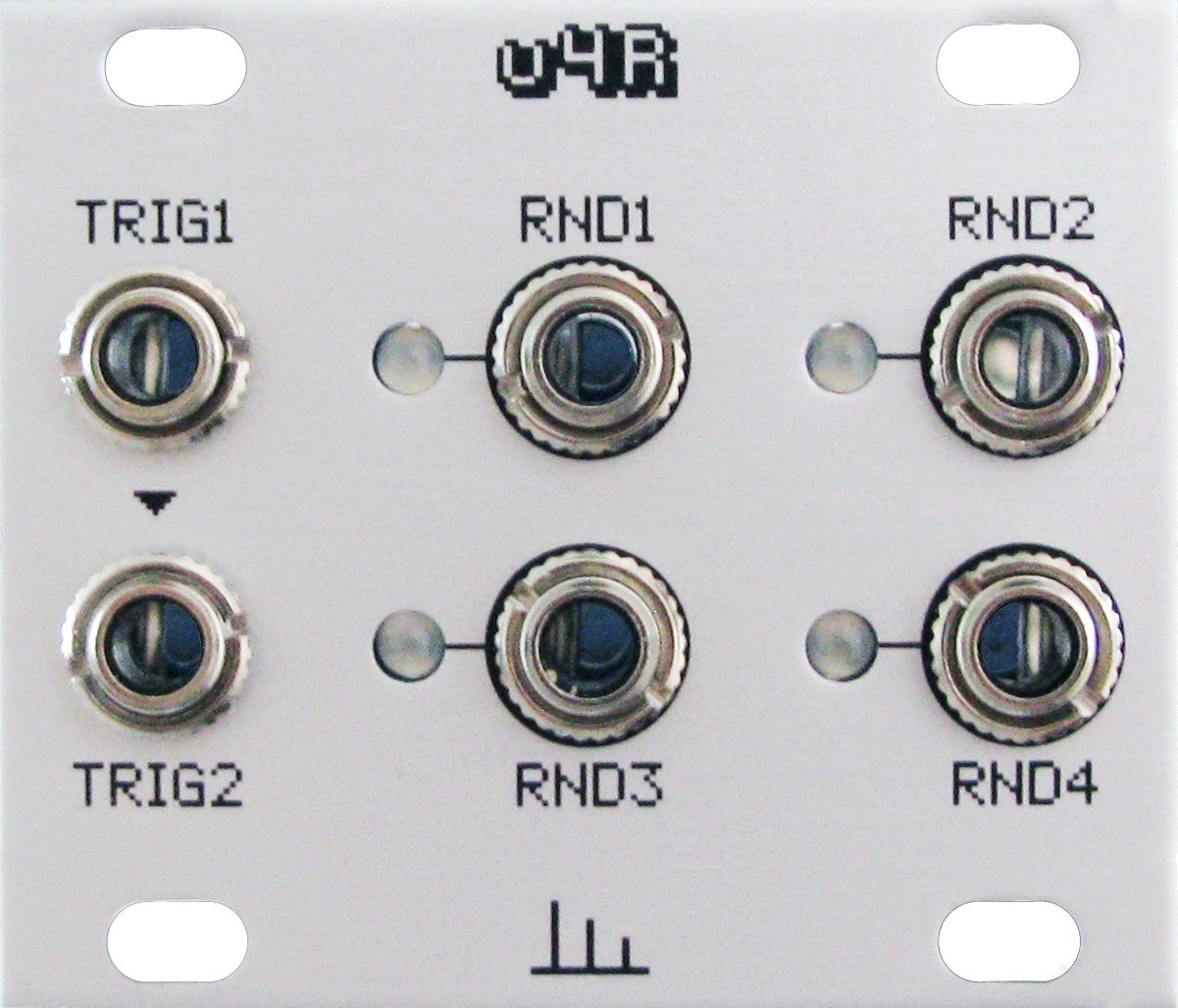
Transient Modules u4R 1U Quad Random Source
Quad stepped random voltage generator in a 10HP, 1U Intellijel tile. Two random voltages per trigger input on each rising edge.
Perfect Circuit Signal SoundsNoise isn’t just something to be avoided; it’s a versatile tool in the hands of a creative sound designer. From creating unique percussive elements to simulating natural sounds, the various colors of noise offer endless possibilities in synthesis. Experiment with different types of noise in your patches to discover new textures and dimensions in your music. Remember, even the most chaotic sounds can be harnessed into something beautiful and inspiring. Happy patching, and may your sonic explorations be ever-exciting!


Excellent article thank you. Your explanations and patches are easily understood but go deeper than most. I am going to get busy patching (and see if I do actually understand them) ?